Migrate or Cry Trying: How to Move Data Without the Drama
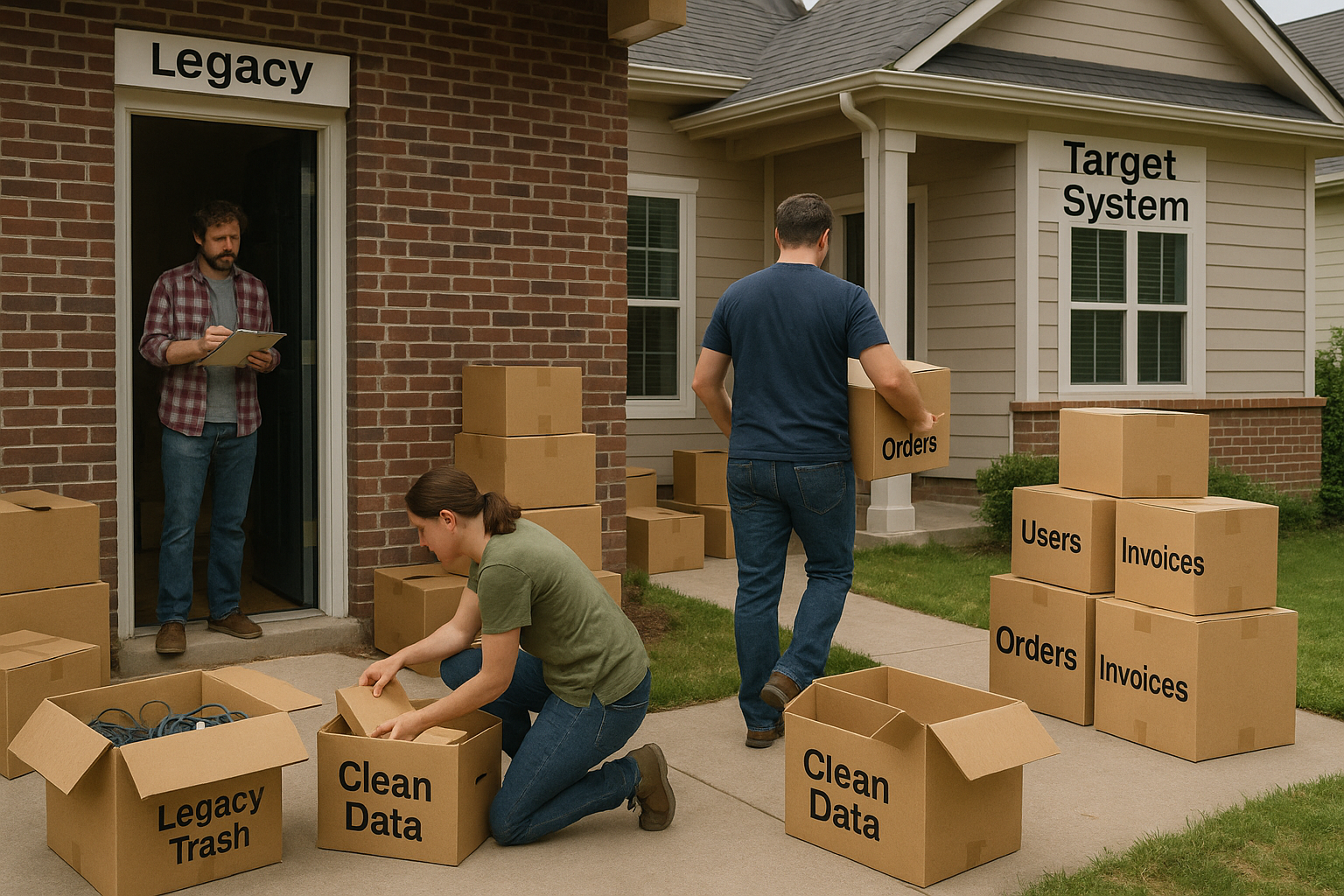
It started with one of the tasks on our project kanban board: "Data migration".
We were building a new application for a telecom provider. The goal was to unify two old systems into a single custom-built platform. Development was already in motion. Sprints were delivering new features. But no one had touched the data. The legacy systems had mismatched schemas, overlapping records, and different definitions for the same business terms. Some orders were in one system, but not the other. Customer records had conflicting states. Worse, every new feature we built had to be fed by clean, compatible data. Any mismatch would break logic or trigger errors in production.
So now we had two jobs: migrate everything from both legacy systems, and make sure it lined up perfectly with features still being finished. There was no delay option. Go-live meant code and data had to land together. No room for loose ends. Now we had a couple of weeks. And nobody wanted to hear "it’s complicated."
Why It Always Goes Wrong
Data migration is always underestimated. It’s rarely treated as its own workstream. It gets squeezed in between testing and go-live. As if it’s just copying tables from one system to another. But it’s not a copy-paste job. It’s a mix of archaeology and surgery. You have to dig through old, often undocumented structures, understand what the data means today, then carefully move it in a way that fits a system built under new rules. And when two legacy systems are involved? That mess multiplies. You’re dealing with:
Incomplete or Inconsistent Data
Legacy data is rarely clean. You’ll find missing values, mismatched formats, duplicate records, and entries that contradict each other. In some cases, you’ll have five different "truths" for the same customer or order. This isn’t just a data quality problem, it directly affects how features behave in the new system, especially when business logic relies on reliable inputs.
Source systems nobody fully understands
Many legacy systems have grown organically over time. The original developers are gone. The documentation, if it exists, is out of date. You’re often left guessing what a field means or how a record flows through the system. You end up debugging production data instead of migrating it. That guesswork adds risk, especially when data is tightly coupled to application behavior.
Stakeholders who don’t agree on what "clean" means
Stakeholders, developers, testers, and data stewards all come with different definitions of what counts as valid or clean. Some are fine with optional fields being null. Others want full enrichment before anything moves. If these rules aren’t defined up front, you’ll spend more time resolving debates than moving data. Worse, bad assumptions lead to failed validations and broken features after go-live.
A target system with its own rules
The target system isn’t just a new version of the old one. It has different field names, relationships, validation rules, and sometimes completely new domain logic. The incoming data must be reshaped to fit this model. That means normalization, enrichment, and sometimes discarding legacy logic. If this step is skipped or rushed, you end up with technical debt on day one of production.
Patterns That Actually Work
Start With a Contract
Before writing a single line of code, write down what "successful migration" means. That definition has to be shared across engineering, QA, product owners, and business stakeholders. It needs to cover both data accuracy and feature alignment. What data absolutely must be moved? What quality thresholds are acceptable? Are certain fields allowed to be null if the original system didn’t require them? How do we handle conflicting records from different sources? What happens if something can’t be migrated at all?
Define:
- Which data to move
- Which rules to apply (transformation, cleansing, deduplication)
- Who owns which data decisions
You want clear, written rules. Without that, developers make assumptions, business users raise issues too late, and QA gets stuck in endless edge cases. Think of it like an API contract, but for your data. If you define it early, the rest of the migration becomes a build-to-fit exercise instead of a guessing game.
Use a Staging Area
Don’t move data directly from source to target. That’s how you end up with hard-to-debug issues and broken referential integrity. Use a staging layer, ideally in a separate database or storage system, where you can process data in a controlled way.
In the staging area, that’s where you:
- Normalize formats
- Apply business rules
- Catch and fix anomalies
- Version datasets
The staging allows teams to validate partial loads early and build confidence before full cutover. This extra step often saves more time than it costs. And it’s the only safe way to iterate when your target system is still under development.
Migrate in Waves
Full cutovers sound efficient. In practice, they’re risky and inflexible. Breaking the migration into waves makes it manageable, testable, and far less stressful.
You can split by:
- Data domains (customers, products, orders)
- Date ranges (recent first, archive later)
- System criticality (must-have for go-live vs can-wait)
Each wave becomes a cycle: extract, transform, validate, fix, approve, and move. You learn from each pass, reduce surprises, and gradually build trust with stakeholders. Dry-run every wave. Include business validation in the process. And lock changes to the source data once approved to prevent regression.
Make It Re-Runnable
You will not get it right the first time. Or the second. The migration scripts must be re-runnable, idempotent, and traceable. Design your process so you can run it multiple times without creating duplicates or corrupting state. Track record-level migration status, not just in logs, but in staging metadata.
This allows partial retries, test runs, and continuous refinement. When bugs pop up late (they always do), you won’t have to restart everything. Just fix the issue and rerun the affected part. And don’t forget observability. Log what’s happening. Count what moves. Flag what fails. Debugging blind is not an option during the cutover weekend.
Treat Data Migration Like a Software Project
If you treat data migration as a simple task on the kanban board, it will catch up with you. Late nights, broken features, and unexpected production bugs are very likely. But if you treat it as a core integration stream, with clear contracts, proper staging, visibility, and repeatability, then the whole thing becomes… almost boring. And boring is exactly what you want when you go live. Every clean migration is built on planning, not luck. So start early. Involve the right people. Make your migration process part of your delivery pipeline.
Thinking about an upcoming migration? Start by writing down your "data contract" now, even if you’re months away from go-live. It will save you more than just time.
Share this article
Related articles

Event Sourcing: A History Lesson Your Database Actually Wants
Auditors, regulators, and legal teams keep asking the same question: who changed what, and when? This article explains how Event Sourcing answers it by storing every state change as an immutable event, and walks through a working C# implementation you can run on your own workstation.
The Gentle Art of Strangling Legacy Systems Without Breaking Everything
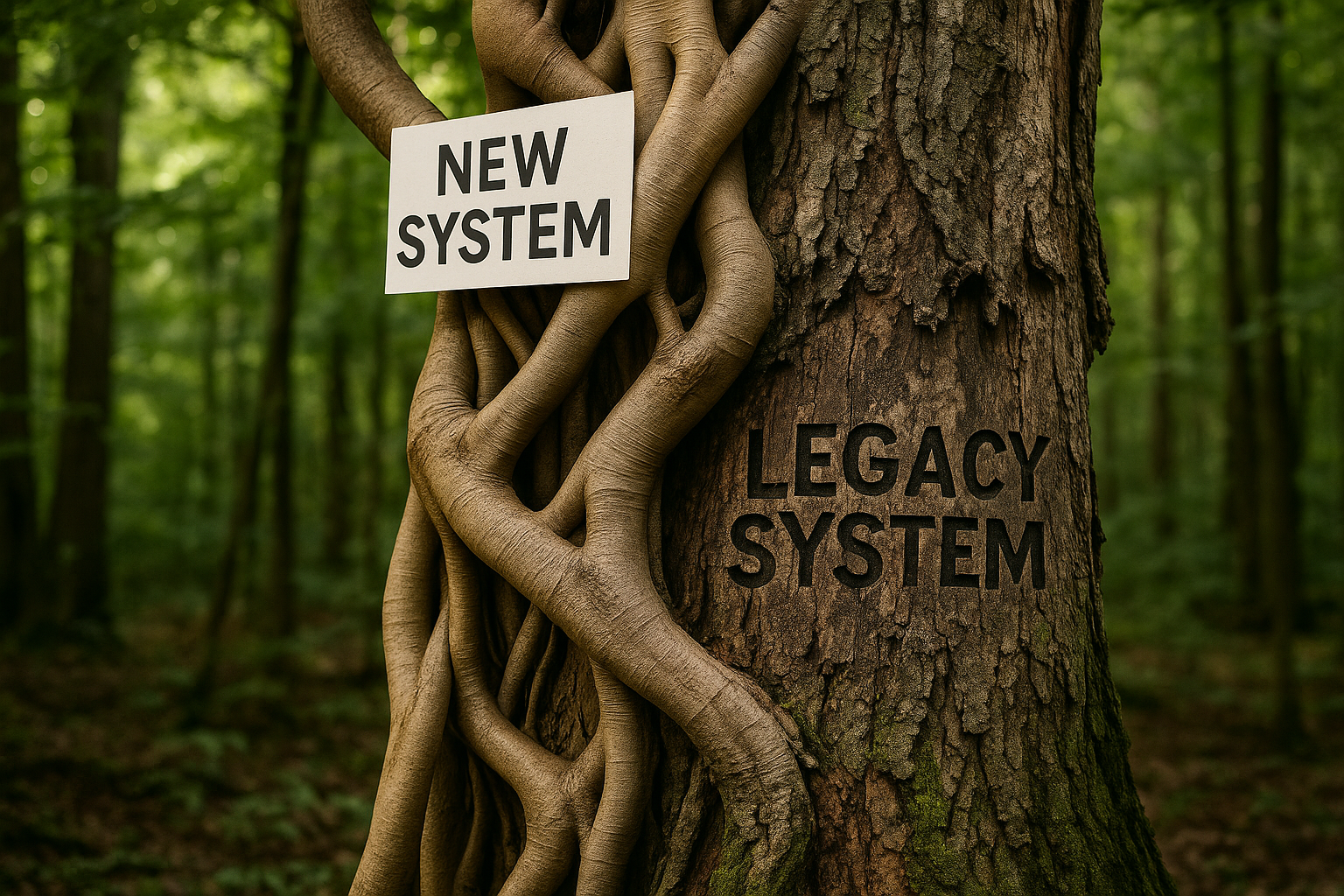
It started with a phone call late on a Thursday. "We’re bleeding money on support. Customers are churning. And that monolith is held together with duct tape and prayer. Can you help?". As a solution architect, this is the moment the real work begins. The system in question was a 15-year-old CRM built in a now-defunct framework, with business logic buried so deep even the original developers would need breadcrumbs to find their way back. But a full rewrite was off the table. Too risky, too slow. They needed a change that was incremental, controlled, and safe. That’s when we reached for a proven technique: the Strangler Fig Pattern.
Enjoyed this article?
Subscribe to get more insights delivered to your inbox monthly
Subscribe to Newsletter