Building an Architecture Decision Record (ADR) Library
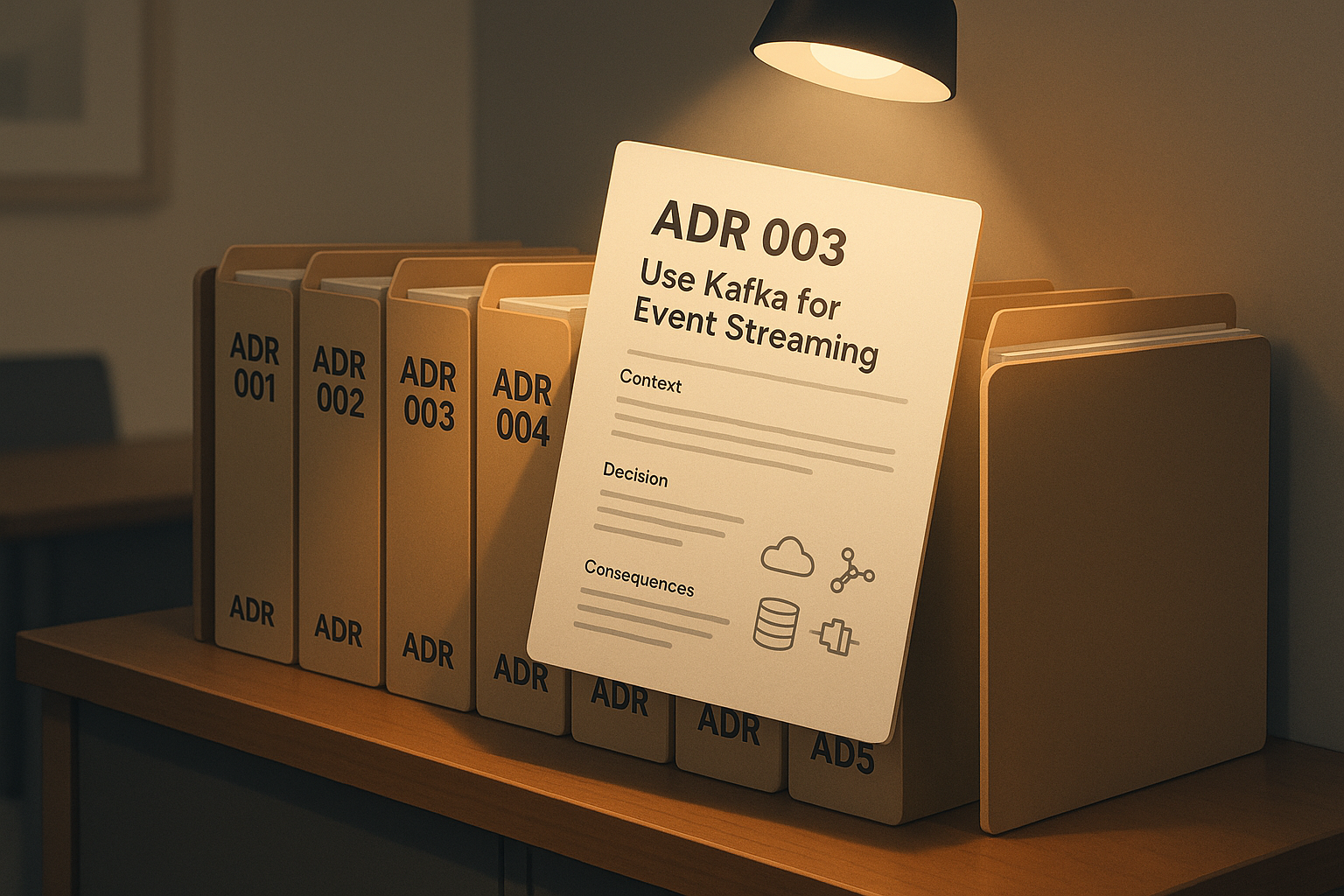
A colleague asked why we had chosen Kafka over RabbitMQ for a specific integration layer we implemented last year. I paused. I knew the choice had been debated, analyzed, and agreed upon in one of our architecture review sessions. But the details? The trade-offs? The alternative paths we explored and the final rationale? They had slipped into the fog. I found myself wishing we had a simple, structured way to capture architectural decisions as they happened, not just the what, but the why, and even the what-we-left-behind. That’s when I stumbled upon Architecture Decision Records, or ADRs.
We want to stop decisions from dying in PowerPoints or getting lost in email chains. Let me show you how to start and scale an ADR practice that is lightweight, effective, and genuinely useful in the messy, evolving reality of solution architecture.
Why Bother Documenting Decisions?
How many architecture decisions in your projects live only in someone’s head, a Slack thread, or a meeting recording no one will ever watch again? As solution architects, we operate in high-velocity environments where trade-offs are negotiated daily. Decisions are made quickly, often under pressure, and once implemented, they fade into the background until suddenly they matter again. A system fails, a new requirement emerges, or someone asks the dreaded question: "Why did we go this route?"
Without structured documentation, these moments become painful. We scramble to recall context, chase down old diagrams, or worse, make the same decision twice because we forgot we’d already made it. Decisions are like currency. We trade them constantly: databases, protocols, patterns, cloud providers, integration models. But without traceability, that currency devalues over time.
- Have you ever revisited a system and wondered, "Why did we do it this way?"
- Have you had to defend a decision long after the decision-maker left the team?
- Have you found yourself repeating the same debate because the rationale wasn’t preserved?
ADRs solve these problems by turning implicit knowledge into explicit records. They’re not long design documents. They’re short, focused, and built for speed.
What Is an ADR, Really?
An Architecture Decision Record is a bite-sized document that captures a single architectural decision, its context, and its consequences. Think of it as a snapshot of the architect’s mindset at a key moment in time.
Markdown + Git is my go-to. It plays nicely with developers and integrates into version control pipelines. But you could also use Confluence templates if your team prefers Atlassian tools, manage ADRs in Notion, especially for cross-functional visibility, or use open-source tools like adr-tools or log4brains for automation and structure. Keep them in a dedicated folder like /docs/adr/ or /architecture/decisions/. An example filename: 003-use-kafka-for-event-streaming.md.
The Architecture Decision Record Template
Here’s the lightweight template I use. Six sections, and none of them should run past a paragraph.
# Decision Record: [Short Title]

## Status
Proposed / Accepted / Deprecated / Superseded by [ADR #]

## Context
Why was this decision necessary?

## Decision
What was decided and why?

## Consequences
What trade-offs were made, and what does this mean going forward?

## Alternatives Considered
(If applicable)

## Related
Links to Jira, designs, or related ADRs.
An Architecture Decision Record Example
A blank template never quite lands. Here is the Kafka decision from the opening of this article, written the way I would write it up today.
# Decision Record: Use Kafka for the Order Integration Layer

## Status
Accepted

## Context
The order integration layer needs to fan the same events out to several
downstream consumers, and consumers need to replay history when they are
added or when they fall behind. Our existing messaging is queue-based and
messages are gone once acknowledged.

## Decision
Use Kafka as the transport for the order integration layer. Retained,
replayable logs match the fan-out and replay requirements directly, and
partitions give us ordering per order ID without extra coordination.

## Consequences
We take on Kafka operations, which is a heavier commitment than a broker
we already run. Consumers become responsible for their own offsets. Teams
new to Kafka need lead time before they own a consumer.

## Alternatives Considered
RabbitMQ. Mature, already operated in-house, and a smaller step. Rejected
because replay and multi-consumer fan-out would have to be rebuilt on top
of it, and that work looked larger than learning Kafka.

## Related
Links to the integration design and the ADR that superseded our previous
messaging standard.
Notice what the example does that the template alone cannot show. The Context section describes the requirement, not the product. The Alternatives section says why RabbitMQ lost, and it says something specific enough that a reader in a year can decide whether the reasoning still holds. That last part is the whole point. A future architect reading this does not need to agree with the decision, they need to be able to tell whether the conditions behind it have changed.
When to Write an ADR
As solution architects, we make decisions in fast-paced environments with lots of moving parts. Some decisions are minor and transient, but others define the trajectory of a system for years. The trick is knowing which ones are worth documenting.
If you have to explain it twice, write it once
You should consider writing an ADR when you encounter architectural decision points that introduce meaningful change, affect cross-team coordination, or require long-term justification. These are the kinds of decisions that tend to resurface later, when systems evolve, people rotate off teams, or new stakeholders demand clarity:
| Status | Current state of the decision (e.g., Proposed, Accepted, Deprecated). |
| Context | Background and reasoning behind why the decision was needed. |
| Decision | What was decided and why it was the preferred option. |
| Consequences | Trade-offs, operational impact, and future implications. |
| Alternatives Considered | Other options that were evaluated and why they were not chosen. |
| Related | References to other ADRs, Jira tickets, or design documents. |
You don’t need to log every choice. Focus on the ones that are likely to be challenged, misunderstood, or reused in future discussions. Start small. Pick a handful of meaningful decisions from a recent project and document them. As your team starts seeing the value, you’ll naturally build momentum.
Here are a few tips to help scale an ADR practice effectively:
- Use a simple format for sequentially numbering like
001,002, etc. - Create a
README.mdthat links to all ADRs to maintain an index. - Add domain tags like
#cloud,#data, or#integrationto aid filtering. - Reference in meetings by pointing to ADRs during reviews or architecture briefings.
Over time, this builds a living archive of architectural reasoning. It’s a powerful asset for onboarding new architects and aligning distributed teams.
But even with good intentions, it’s easy to get ADRs wrong. One common mistake is including too much detail. Remember, an ADR should be concise and focused; it’s not meant to be a full-blown solution design. Another trap is writing them too late. If you wait until the context has faded or the project has moved on, you lose the clarity and insight that make ADRs valuable in the first place. Then there’s the issue of ownership. Without a clearly assigned DRI (Directly Responsible Individual), ADRs can fall through the cracks. Finally, be mindful of where you store them. Scattered or siloed storage makes ADRs hard to find and erodes their usefulness. Keep everything in a central, versioned repository so decisions remain accessible and traceable.
Running ADRs in Confluence
Markdown in Git is my preference, but plenty of teams live in Confluence and moving them out is a losing fight. It works, with two adjustments.
Create the ADR as a Confluence page template so the six sections come pre-filled and nobody negotiates the structure per decision. Put every ADR under one parent page, with the number in the title, 003 - Use Kafka for Event Streaming. The child-page list on the parent then becomes your index for free, which is the job the README.md does in a Git repo.
The adjustment that matters more is superseding. Git gives you history whether you want it or not, and Confluence encourages editing a page in place until the original reasoning is gone. Treat an accepted ADR as immutable. When a decision changes, write a new page, set the old one's Status to Superseded, and link forward. A decision log where the losing arguments have been quietly overwritten is worse than no log at all, because it looks authoritative.
Making ADRs a Habit
If you’re leading architecture workstreams, integrate ADRs into your Definition of Done. Encourage team members to write the ADR, and review it in your architecture forum. Share examples to reduce friction. The first few are the hardest. After that, it becomes second nature.
Architecture is about explaining those choices in a way that endures. Architecture Decision Records have helped me bring clarity, consistency, and alignment to my projects. They don’t require heavyweight governance, they don’t slow you down. In fact, they accelerate decision-making by removing doubt and memory gaps.
Pick one recent decision, write it down using the template, and share it with your team. You’ll thank yourself next year when someone asks, "Why did we do it this way?"
Share this article
Related articles

Building Better Stories: Architecture That Actually Engages
The best architecture means nothing if no one listens. Architects are trained to think in systems and abstractions, but the people they need to convince think in stories. Learn how to use a five-act structure, concrete examples, analogies, and audience mapping to turn your technical decisions into narratives that keep stakeholders engaged and get your proposals approved.

From Solo Prompts to Team Superpowers: Scaling AI with Shared Instructions
The senior developer leaned back in her chair, watching the new hire struggle with the same AI prompt she'd seen three other teammates wrestle with that week. "Try asking it to include error handling and logging," she called across the room. The junior dev nodded, retyped the prompt, and got better results. But tomorrow, someone else would hit the same wall. Again.

Deployment Diagrams: The C4 Way to Stop Confusing Everyone
A senior architect at a healthcare tech company was presenting their new microservices platform to the executive team. Fifteen minutes in, the CTO interrupted: "Wait, so where does this actually run? Are we talking containers? VMs? Which cloud regions?" The architect pulled up what they thought was their deployment diagram: A tangled mess of boxes, lines, and AWS icons that looked like it had been designed by a caffeinated spider. The CTO squinted at the screen, then at the architect, then back at the screen. "I’ll just... ask the DevOps team later."
Enjoyed this article?
Subscribe to get more insights delivered to your inbox monthly
Subscribe to Newsletter